Inspection software for construction, fleet and industry
Digital inspections that are twice as fast.
PinPoint digitizes your entire inspection process. Less paperwork, more insight, faster turnaround - so your team can focus on what truly matters.
Inspection software for construction, fleet and industry
PinPoint digitizes your entire inspection process. Less paperwork, more insight, faster turnaround - so your team can focus on what truly matters.
Why PinPoint
With PinPoint, your inspectors mark findings directly on a visual representation of the asset. Intuitive, precise and error-free. No training needed - your team is productive within the hour.

PinPoint automatically compiles all findings, photos and annotations into professional inspection reports. Ready to share with your client or management - in whatever format you prefer.
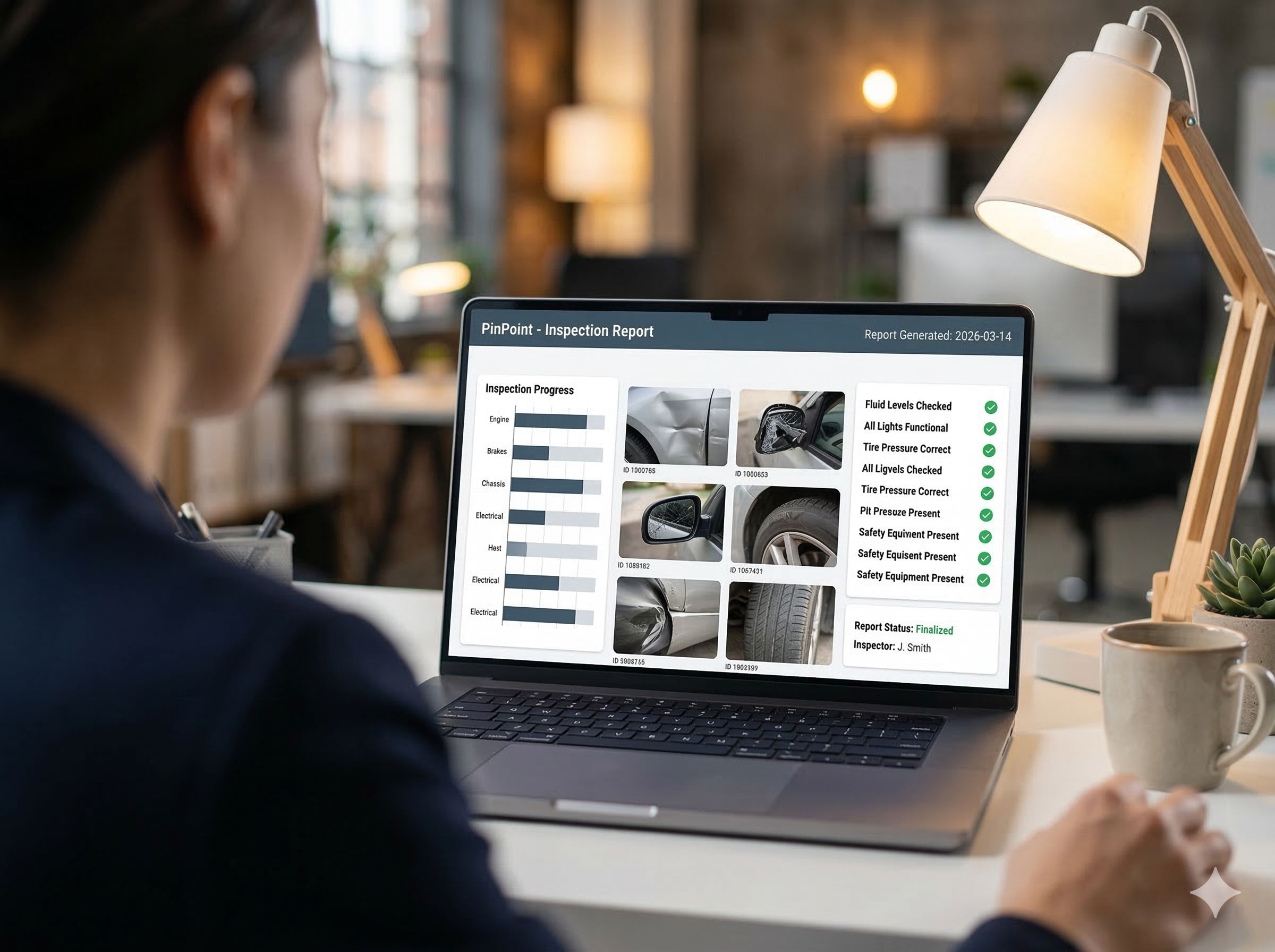
Open findings are automatically carried over to the next inspection round. Managers track progress in real-time via dashboards. Who did what, when - always traceable, always audit-ready.

PinPoint is built as a data product. Everything an inspector records, from the finding to the status history, can be queried: as an export, through an API and through our MCP server.
That MCP server is what lets you point your own LLM straight at your inspections. You ask in plain language what is still open on site 4, and the answer comes from your own data rather than from a dashboard someone had to build in advance.
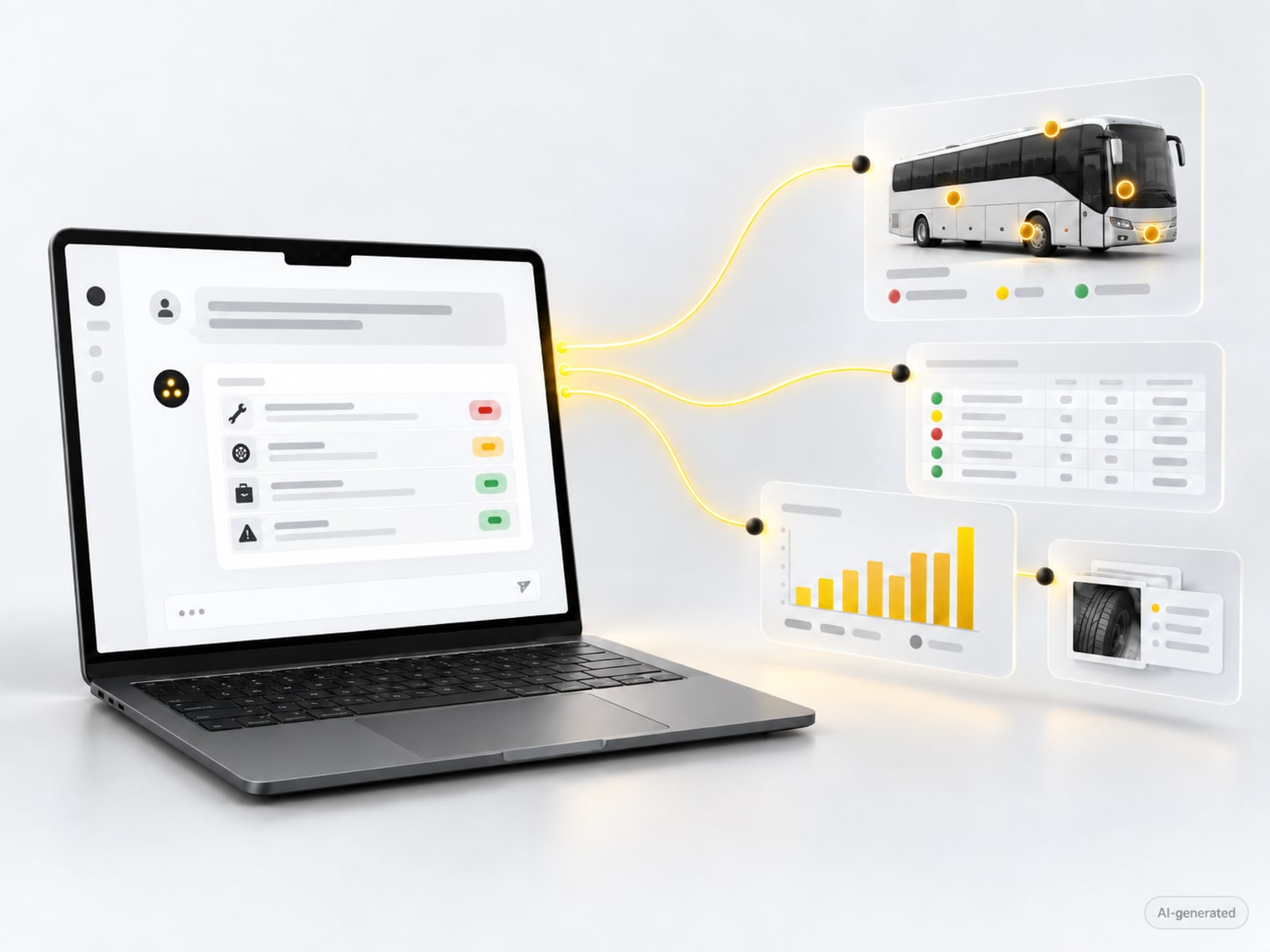
The starting point of our architecture
Strict audit rules ask not only what happened, but why. Who closed that finding, at what moment, and on what grounds? In most systems that is a log running alongside the data. Such a log can fall behind, be overwritten, or miss exactly the field the auditor asks about.
We started from that question at design time rather than solving it afterwards. Every event is recorded: creating a finding, every status change, every photo, every answer, each time with who, when and the justification. The current state is derived from those events, not the other way round. So there is nothing to overwrite, and no second set of books to keep in order to prove you are compliant.
Who, when, why
Every change carries an author, a timestamp and the reason it happened.
Nothing is overwritten
An old value does not disappear, it is followed by a new event. The history stays complete.
One source
The report, the dashboard and the audit trail come from the same events. They cannot drift apart.
See it work
An inspection round on a 2CV. The inspector marks the finding on the vehicle, fills in the questionnaire, sets the severity, and the point is in the list right away with its photo and its status. No form afterwards, no retyping.
Recording without sound, 2 minutes 47.
What you see in the recording

The difference
We know from experience how frustrating paper-based processes are. PinPoint was built from the daily reality of inspectors - not from a boardroom.
The result is software that feels intuitive, requires no training and lets your team work faster from day one.
PinPoint is a digital inspection platform. Your inspectors mark findings on a photo, a plan or a 3D model of the asset, and every finding is a completed questionnaire with photos and a status. In the portal you set things up and follow up, all the way to the report.
Yes. The app works offline on tablet and smartphone and syncs as soon as the connection is back. A round in a basement, on a site or in a depot never depends on the network. Inspectors record findings, photos and answers as usual, and everything reaches the portal once the device is online.
The inspection app runs on iOS, Android and Windows, on tablet and smartphone. Setup, follow-up and reporting happen in the portal in your browser, so nothing needs to be installed for that part. PinPoint is available in Dutch, French and English, and every user chooses their own language.
Yes, for thirty days, with your own assets and questionnaires. You get your own environment, install the app and set things up yourself, with our help if you get stuck. After thirty days we close the environment and get in touch; nothing continues automatically. Start a trial.
You do. There is no lock-in: you export everything, at any time, to PDF, Excel, CSV or your own systems. The data is also available through an API and an MCP server, so you can put your own tools or an AI assistant on your inspection data without building a dashboard first.
PinPoint users