PinPoint & AI
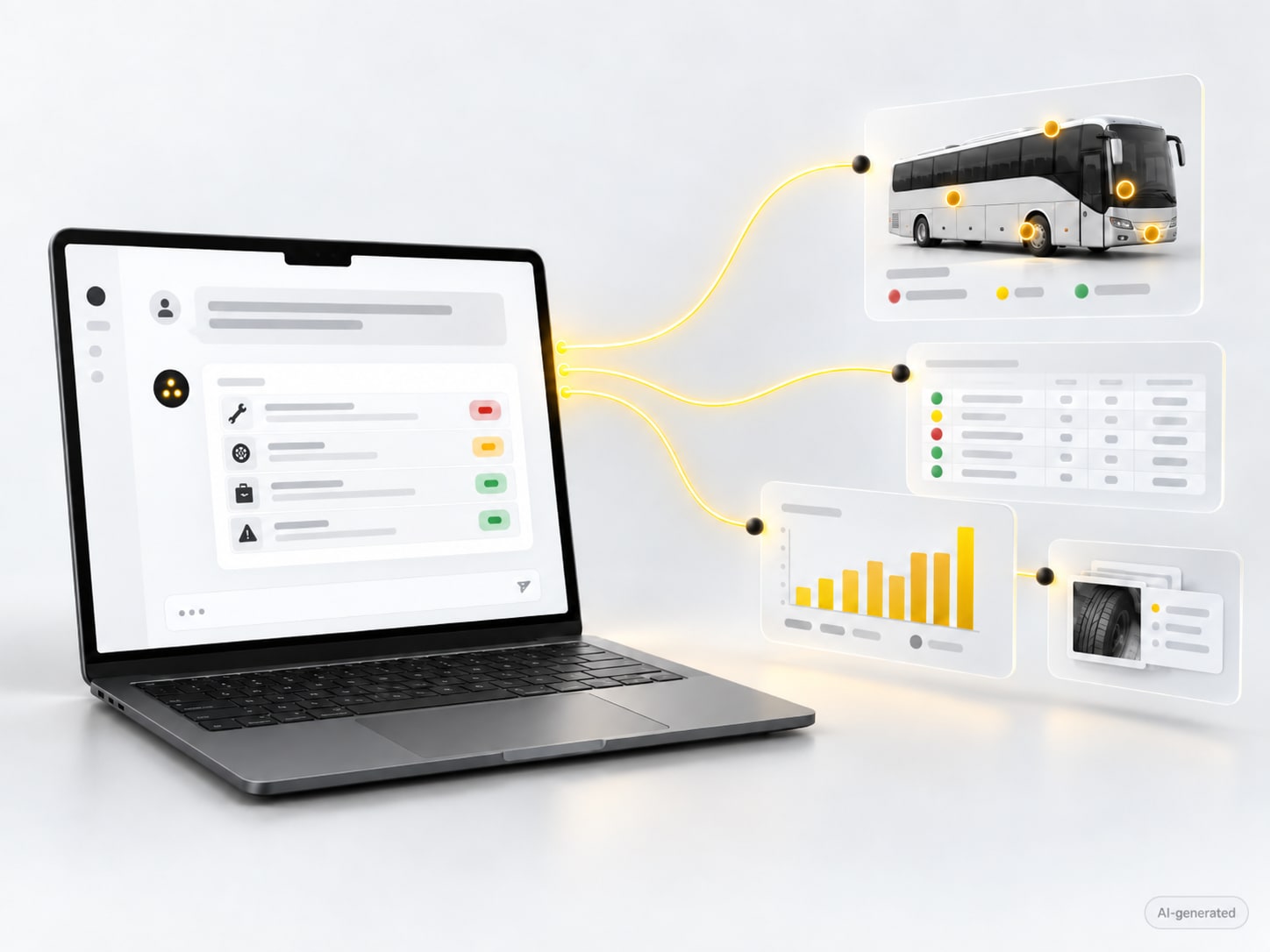
Everything you can do in the PinPoint portal, you can also ask Claude, ChatGPT or your company's assistant to do. In plain language, without a manual.
Inspection software usually asks you to learn where everything is: which screen for an import, which menu for a report, which filter for the open items. Whoever only needs it now and then searches every single time.
With PinPoint you do not have to. You connect the AI assistant you already use to your PinPoint environment and say what you want. The assistant does it, in the same environment and with the same rights you have in the portal. The result is in PinPoint straight away, visible to your colleagues.
Why this matters
The value of inspection data lies in what you do with it. When asking a question is as easy as thinking of it, that data gets used every day instead of once a quarter.
Three things that used to cost half a day of clicking, or an email to us. Now it is one sentence.
"Import this fleet."
You hand the assistant a spreadsheet with your vehicles or machines. It creates the assets in PinPoint, with the right views and properties. No template to fill in, no columns to map.
"Log a finding on machine 12."
You describe what you saw. The assistant puts the pinpoint on the right machine, fills in the questionnaire, attaches your photo and sets an owner and a severity. From there the normal follow-up runs.
"Build a dashboard of open items per site."
The assistant pulls the numbers from PinPoint and turns them into an overview, a chart or a report, in the form you ask for. Next week you ask the same thing and it is up to date.
"Which defects keep coming back on bus 7?"
The assistant reads the history of that vehicle and answers with what was found in the past rounds, what was fixed and what keeps returning. From your own data, not from a generic answer.
The same possibilities as the portal. Assets, rounds, questionnaires, findings, reports: whatever you can do in the portal, the assistant can do too.
Your own assistant, your own data. Claude, ChatGPT or the assistant your company already uses. Your inspection data stays in your environment and stays yours.
Within your rights, with an audit trail. The assistant does nothing you could not do yourself. Every change stays in the audit trail with who, when and why, even when it came through the assistant.
What it is not
The assistant does not inspect for you. Your inspector still looks at the machine, the bus or the site themselves. The assistant takes over the work around it: entering, looking up, summarising, reporting. That is the part that costs the most time today.
AI in PinPoint means you connect an AI assistant of your choice, such as Claude or ChatGPT, to your PinPoint environment and work with it in plain language: import assets, log findings, look up history, build dashboards and reports. The assistant works with the same rights you have, in your own data, and every action stays in the audit trail. Technically this runs over an open standard (MCP), but you do not need to know that to use it.
Any assistant that supports the open MCP standard. Today that includes Claude and ChatGPT, and most company assistants built on them. So you do not have to switch to another tool: you connect the assistant you already use to your PinPoint environment, and from then on you simply talk to it.
No. You add PinPoint once as a connection in your assistant and sign in with your PinPoint account. After that it works in plain language. There is no script, no export and no intermediate step; if you want something the assistant cannot do yet, we tell you so honestly.
No. The assistant works within the rights of your account, exactly as in the portal. Whoever cannot delete assets cannot do it through the assistant either. Every change stays in the audit trail with who, when and why, so whatever happened through the assistant can be traced afterwards.
Yes. The data stays in your PinPoint environment, in the cloud with us or on-premise with you. The assistant reads and writes in it at your request, but nothing is copied anywhere else. And as always with PinPoint, you export everything whenever you want, to PDF, Excel, CSV or your own systems.
We will be honest with you. If PinPoint is not the right fit, we will tell you. No hard sell, no obligations. Just a conversation between people who understand inspections.
Last updated on