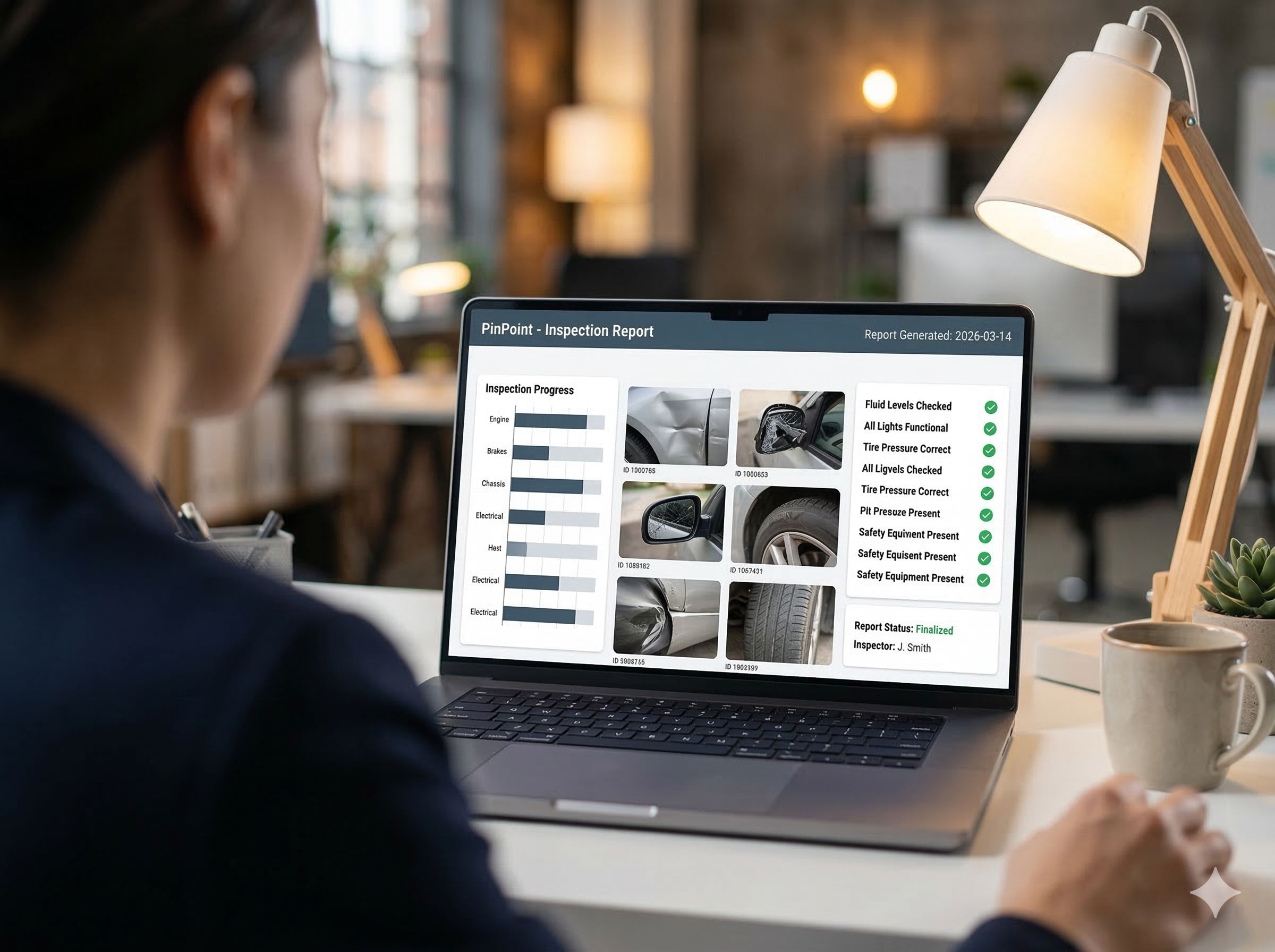
Reporting
The same inspection data, in the format your client, your auditor or your sector expects. No cutting and pasting afterwards.
A standard report usually fits about halfway. The rest is done by hand: reordering chapters, adding the sections the client asks for, putting the logo at the bottom. That is exactly the retyping that going digital was supposed to remove.
In PinPoint a report template is HTML and CSS, and the PDF is rendered by a browser. A custom template is therefore plain layout work, not a fight with the limits of a report builder.
If you do not need a format of your own, you pick from thirteen standard templates: full, summary, management, per asset, per severity, open items, photo report and more. They are described under inspection reports.
Chosen per round
You choose which template to use for each inspection round. A client with their own layout gets their template, the other clients get the standard report.
A custom report starts with the question of who reads it. It usually comes down to one of these three.
Per client
A client's house style and layout, with the mandatory sections from the specification or the contract.
Per sector
The format a sector knows: a handover file in construction, an inspection file per vehicle, a report for an ISM audit.
Per document
An existing document you have to keep using, such as a site diary or a fixed checklist, filled in automatically with the inspection data.
Every sector reads an inspection its own way. The record is the same everywhere: a pin on the asset, with photos, severity and questionnaire. Only the template differs.
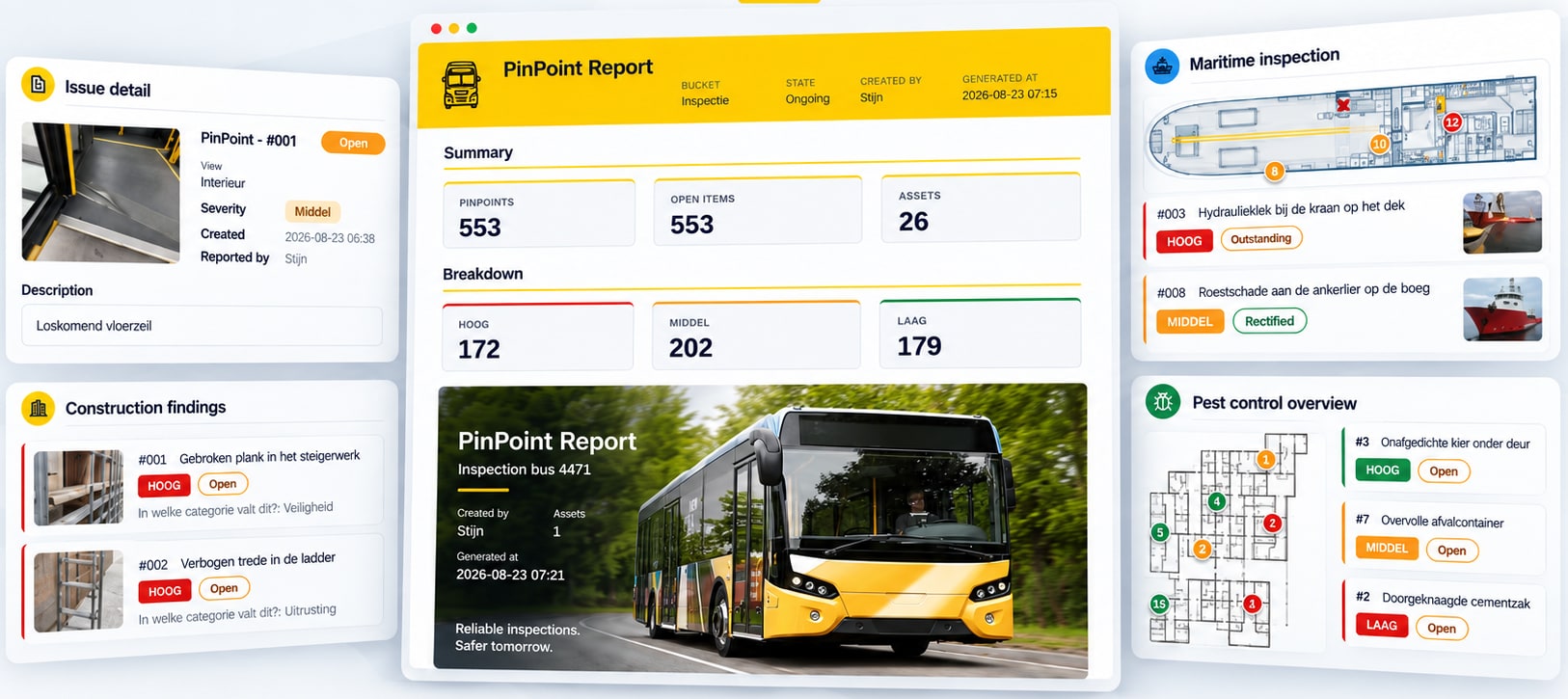
Four sectors, four templates. The same inspection data, each time in the format the client expects.
Construction
The floor plan with callouts: a dot per finding with a line to its label, so the contractor walks straight to the right spot. More under site inspections.
Fleet and transport
A summary and the findings per severity, per vehicle. More under vehicle inspections.
Maritime
Items on the ship plan, with the audit trail as an appendix for ISM, Port State Control and class.
Pest control
An overview of the findings on the floor plan of the client's site, per zone.
You do not have to write a specification. An example of what you deliver today is enough to start from.
You send an example
The report you deliver today, or the form your client requires.
We build the template
In HTML and CSS, with your layout, your sections and your house style, filled with the fields from your questionnaires.
You check it on real data
On a past round, so you see the result the way your client will get it.
After that it runs by itself
Every following report comes out of PinPoint in that format: as a PDF, through the portal or as data.
A custom template is part of the custom work agreed per project. No feature sits behind a more expensive plan. More under the offering.
A report template decides how inspection data ends up in a report: which sections there are, in what order, with what layout and which photos. The data itself does not change. The same inspection work can be published in different templates, for management, the contractor or the auditor.
Yes. You choose which template to use for each inspection round. A client with their own layout gets their own template, the other clients get the standard report.
A custom template is part of the custom work and is agreed per project, on top of the setup and the core app at 20 euro per user per month.
Yes. The same data is available as Excel and CSV, through a Power BI connection, through an API and through an MCP server for AI assistants.
We will show you what it looks like when PinPoint fills it in. No obligations.
Last updated on